AI Audit
Path: /ai-audit
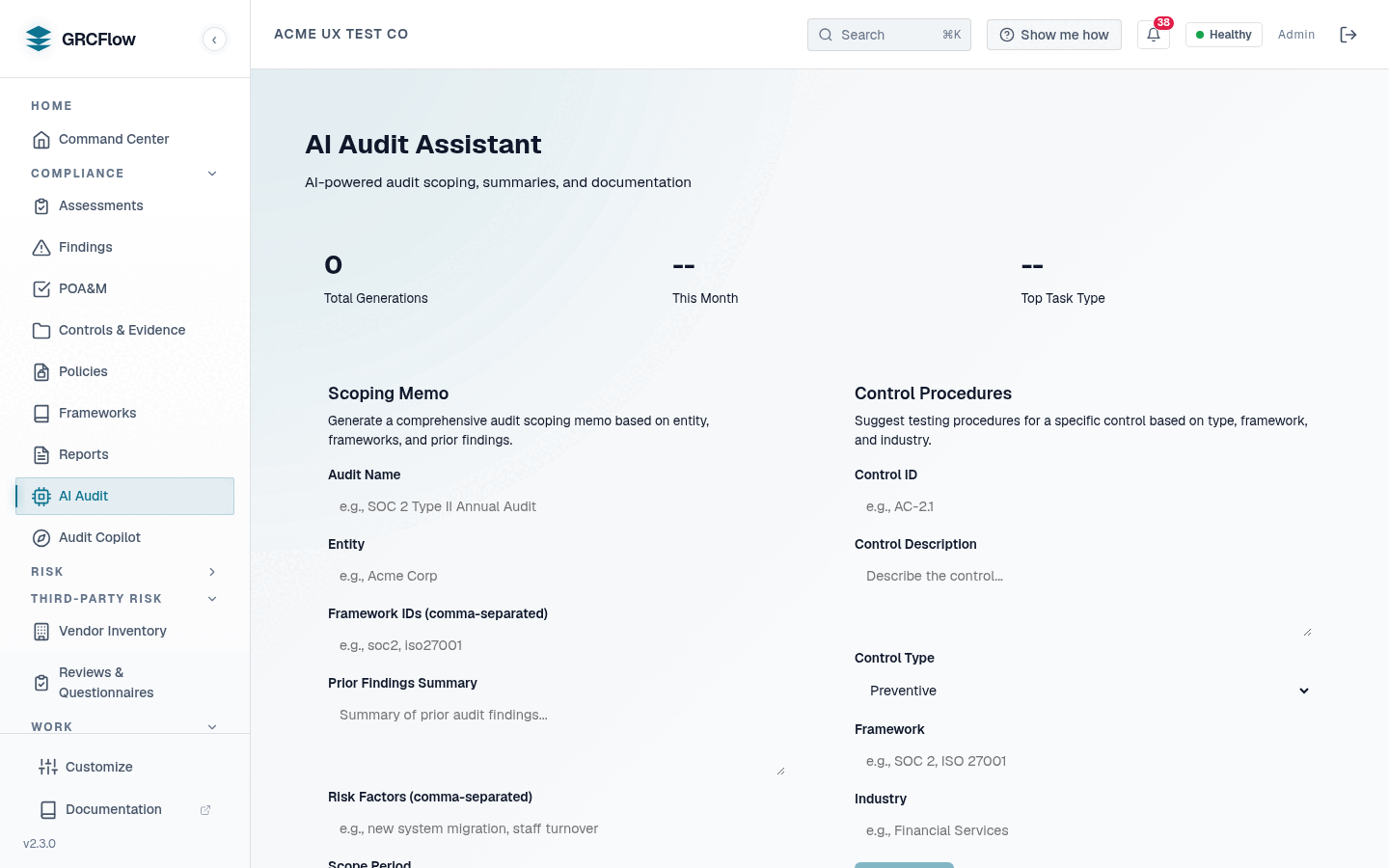
AI-powered audit assistance. Uses LLM analysis to generate control procedure documents and scoping memos.
Prerequisites — configuration required
AI Audit is not turnkey out of the box. It needs an LLM provider that you
supply. A stock Community Edition install ships without an LLM key
(LLM_PROVIDER=none), so AI generation is disabled by default — the public
demo only looks all-green because it is pre-wired with a key.
To enable, the easiest path is the in-app panel: Admin Settings → LLM Configuration — pick the provider (NVIDIA NIM, a local/self-hosted Ollama or vLLM endpoint via its base URL, OpenAI, or Azure OpenAI), enter the key, click Test Connection, and save. Settings apply live, no restart.
Environment variables remain the fallback when nothing is saved in the panel:
LLM_PROVIDER=nvidia+NVIDIA_API_KEY=<your key>(NVIDIA NIM, the usual default), orLLM_PROVIDER=vllm+VLLM_BASE_URL=<your endpoint>for any OpenAI-compatible server (vLLM, Ollama, on-prem weights), orLLM_PROVIDER=workers_ai/hybridfor Cloudflare Workers AI.
Without an LLM key, the AI generator returns no model output and falls back to a deterministic template for the scoping memo and control procedures (clearly stamped "template fallback — LLM unavailable" and requiring human review); the AI assist paths return empty content. The System Health page reports the LLM service as Degraded, and the in-app Setup readiness checklist on the Dashboard flags AI Audit as Needs setup with the exact key to set. See Admin Settings and Bring Your Own Model.
Capabilities
- Control Procedures — Auto-generate test procedures for specific controls based on your organization context.
- Scoping Memo — Generate audit scoping documents based on your framework selection and organization details.