Policies
Path: /policies
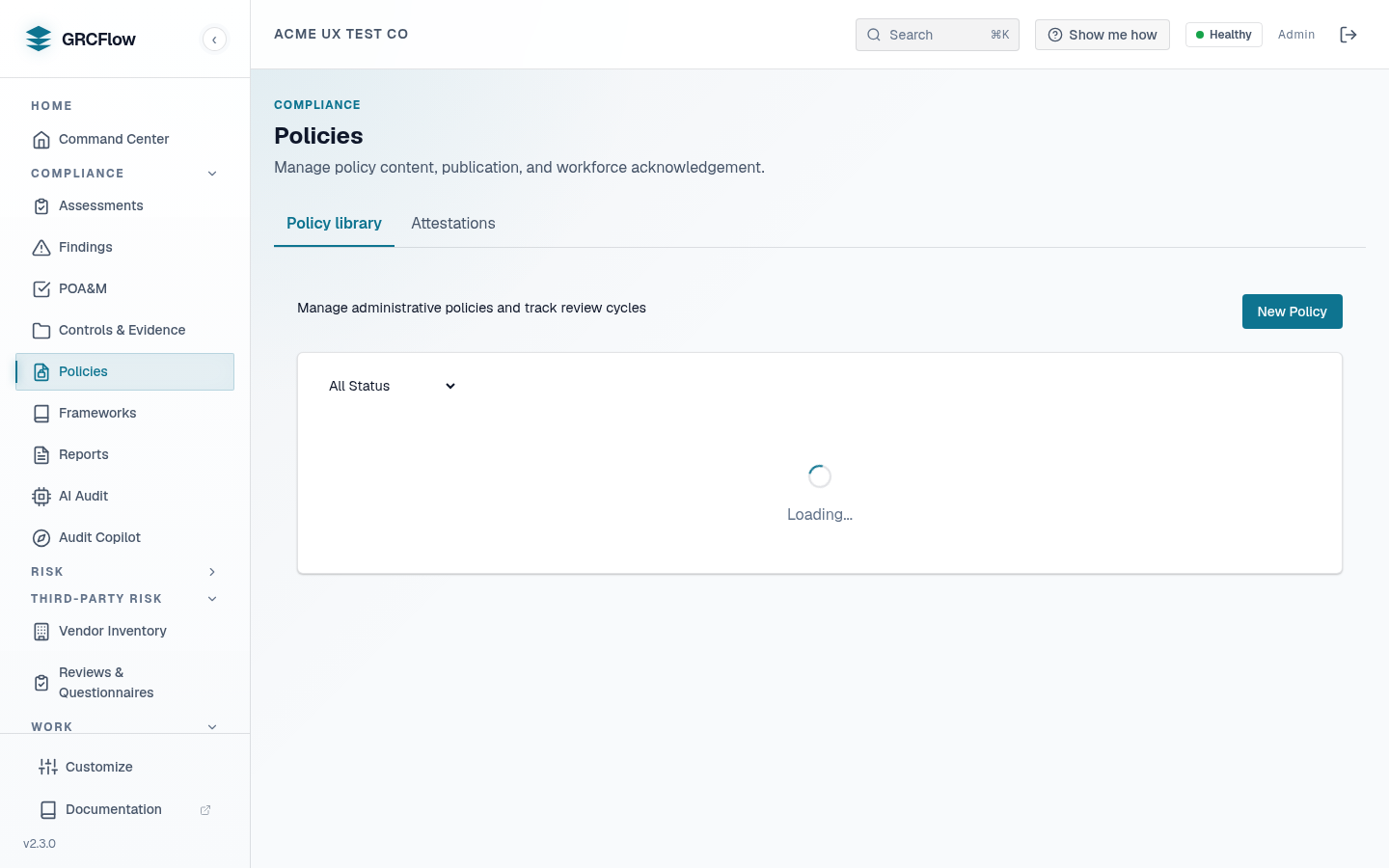
Manage administrative policy documents required for ISO 27001, SOC 2, and other frameworks. Track review cycles and approval workflows.
Key Elements
- Stats bar — Total policies, active count, overdue reviews, and ISO 27001 compliance percentage.
- Policy table — Code, name, version, status (Draft/Active/Archived), review due date, and last reviewed date.
- New Policy button — Create a new policy document.
- Actions — Details, Edit, Delete for each policy.
Policy Lifecycle
- Create — Click New Policy. Enter name, code (e.g., ISP-001), category, and content.
- Draft — Policy starts in draft status. Edit and refine the content.
- Submit for Review — Click Details, then Submit for Review.
- Complete Review — A reviewer marks the review as complete.
- Approve — An approver activates the policy.
- Archive — When a policy is retired, archive it.
Both approved and active policies count as in-force (e.g., for the documentation-review assessment mode and the in-force stats).
Version History
Every create, content/version update, and approval pins an immutable
PolicySnapshot capturing the full content, the version string, the
timestamp, and who made the change. Identical content + version is
deduplicated, so the history reflects real changes only.
- The Version History section in the policy detail modal lists prior versions; open one to read its full content as it was.
- Retrieving a version re-hashes the stored content against its recorded
SHA-256 (
integrity_verified) — tampering is made visible, never silently ignored. - Snapshot ids are recorded in the tamper-evident audit trail, and attestation campaigns pin the exact snapshot each user acknowledged.
GET /api/v1/orgs/{org_id}/policies/{policy_id}/versions                 # history (newest first)
GET /api/v1/orgs/{org_id}/policies/{policy_id}/versions/{snapshot_id}   # full prior content + integrity check
Review Tracking
- Policies show "Never" in Last Reviewed if they haven't been reviewed yet.
- Review Due dates in red indicate overdue reviews.
- ISO 27001 requires annual policy reviews — the compliance percentage tracks this.
- The daily CCM policy-review sweep flags policies whose review due date has passed, so overdue reviews surface without anyone checking manually.