Reports
Path: /reports
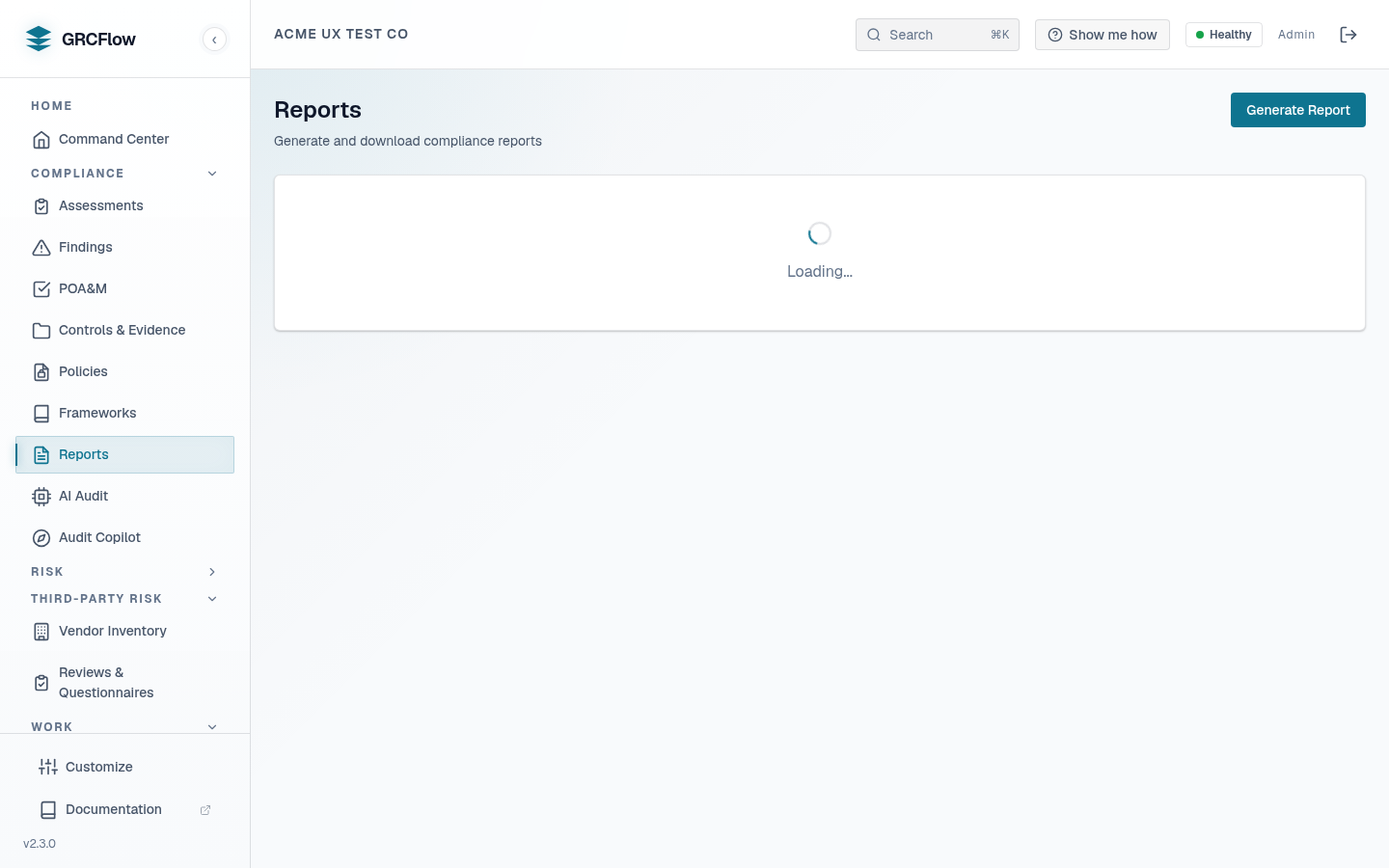
Generate compliance reports in PDF, HTML, JSON, CSV, or Excel format. Reports summarize your assessment results, findings, and compliance posture.
Available Report Types
- Executive Summary — High-level overview for leadership.
- Detailed Findings — Full control-by-control breakdown.
- Gap Analysis — Shows where controls are failing.
- Remediation Plan — Lists all open findings with remediation steps.
- Evidence Package — Evidence bundle for an assessment.
- Statement of Applicability — ISO 27001 SoA.
- System Security Plan — SSP artifact.
- POA&M — Plan of Action & Milestones.
- Board Pack — Executive-grade pack for board reporting (below).
The Board Pack
The board pack condenses the whole tenant into the report a board actually reads, built entirely from org-scoped real data:
- Compliance posture — from the focal assessment you select.
- Framework readiness — a readiness % per framework, computed from the latest COMPLETED assessment of each framework (frameworks never assessed are not given a number).
- Top risks — register entries ranked by residual score. A risk carries a FAIR ALE figure only when a completed FAIR simulation exists for it — the number is never fabricated.
- Open gaps / POA&M rollup — outstanding remediation.
Sections with no data render an honest "none recorded" line instead of being silently dropped or padded. The board pack renders to PDF, HTML, and JSON.
How to Generate a Report
- Click Generate Report.
- Select the report type and output format (PDF, XLSX, HTML, JSON).
- Choose which assessment(s) to include.
- Click Generate. The report will appear in the list when ready.
- Click Download to save the file.